
With BlueSnap-managed document requests, BlueSnap collects requested documents directly from the merchant. Use this option when you want the simplest implementation and do not need to host document collection in your own platform.
Even when BlueSnap manages document collection, your platform can still support the merchant during underwriting from the Partner Portal. Your team can monitor open document requests, communicate with the assigned underwriter, and upload documents if the merchant has already provided them to your platform.
In this workflow, BlueSnap emails the merchant to collect requested documents. Use platform-managed requests instead if you need to keep all merchant communication inside your own platform, white-label document collection, or upload documents to BlueSnap via API.
The Request Process
In BlueSnap-managed document requests:
-
BlueSnap reviews the merchant application during underwriting.
-
If additional documents are required, BlueSnap creates a document request case.
-
BlueSnap emails the merchant with a secure upload link.
-
The merchant uploads the requested documents directly to BlueSnap.
-
BlueSnap continues underwriting review.
-
Your platform tracks the merchant’s onboarding status.
Merchant Email and Document Upload
When BlueSnap requests documents, the merchant receives an email that includes a description of the requested documents and a secure document upload link.
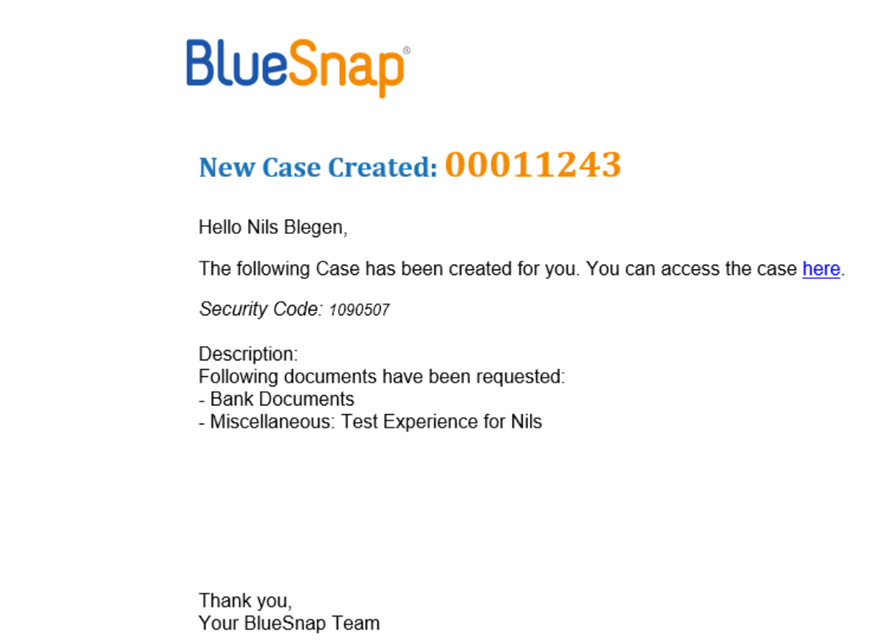
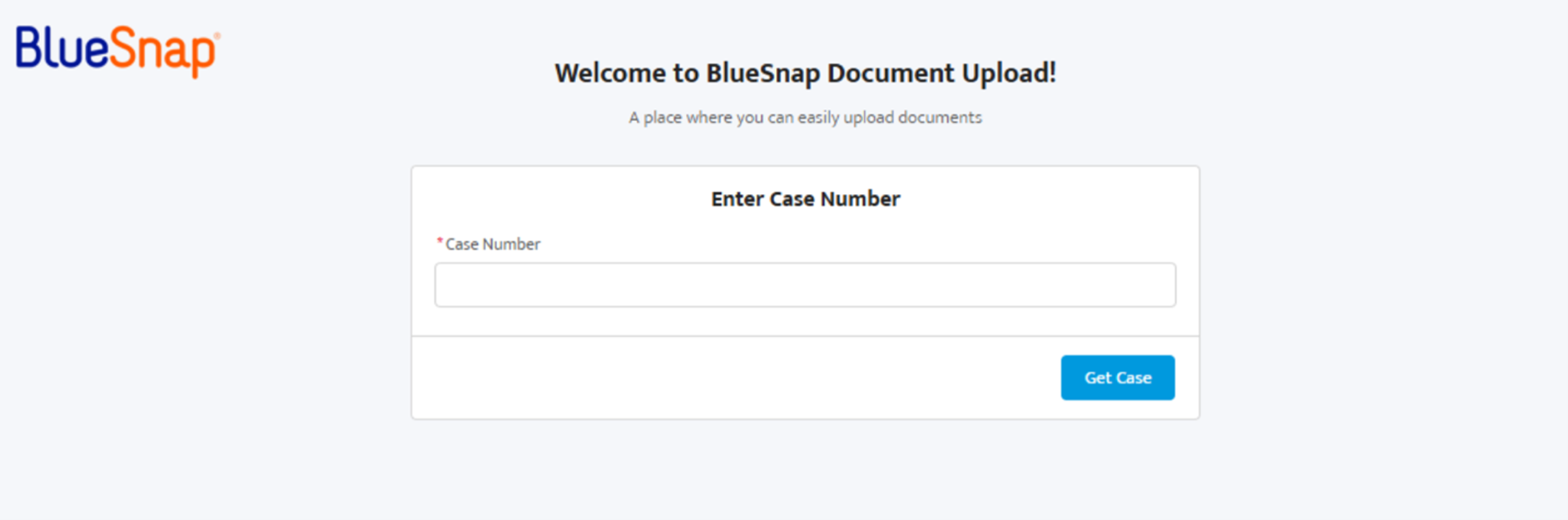
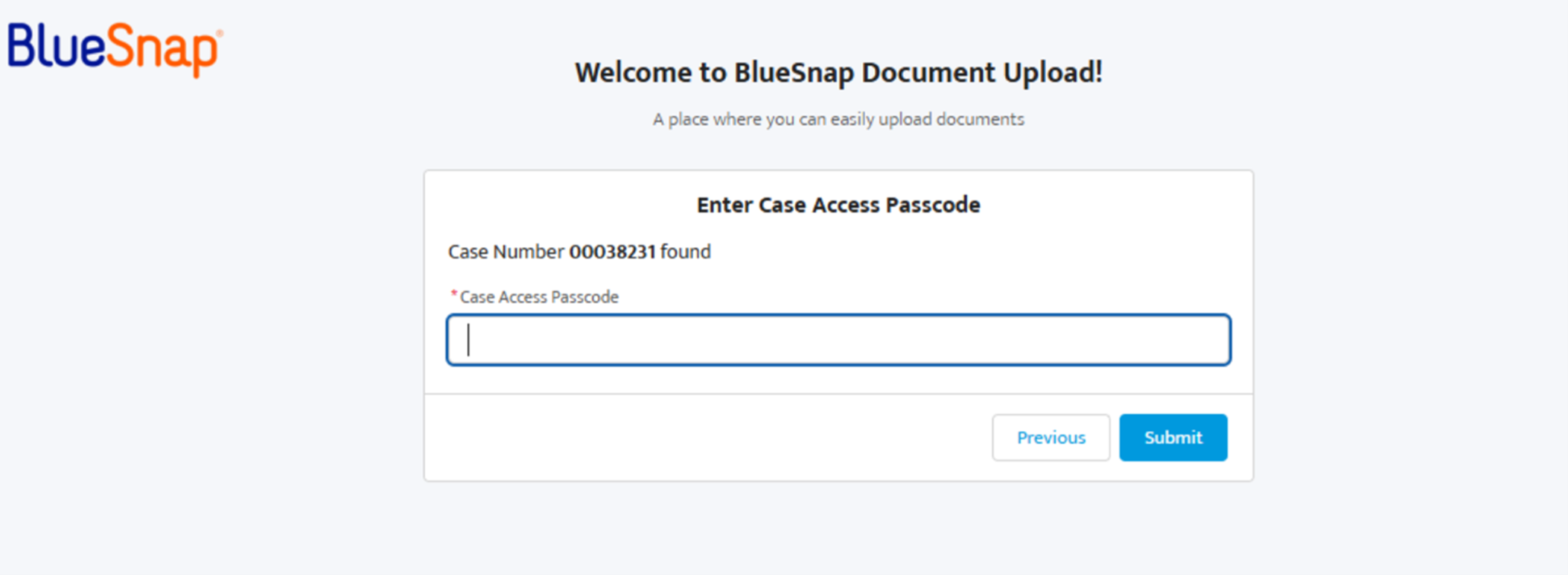
The document upload link directs the merchant to enter the case number, security passcode, and select the document to upload from their device.
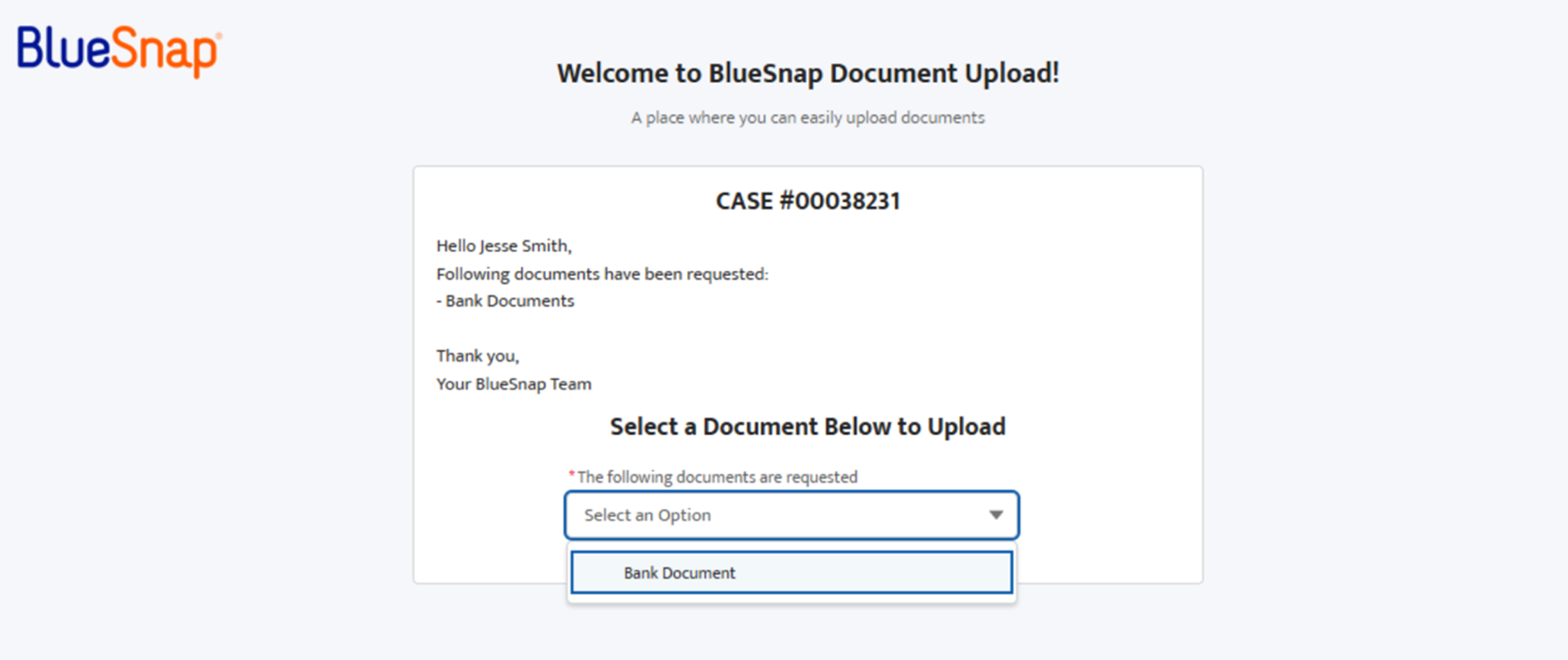
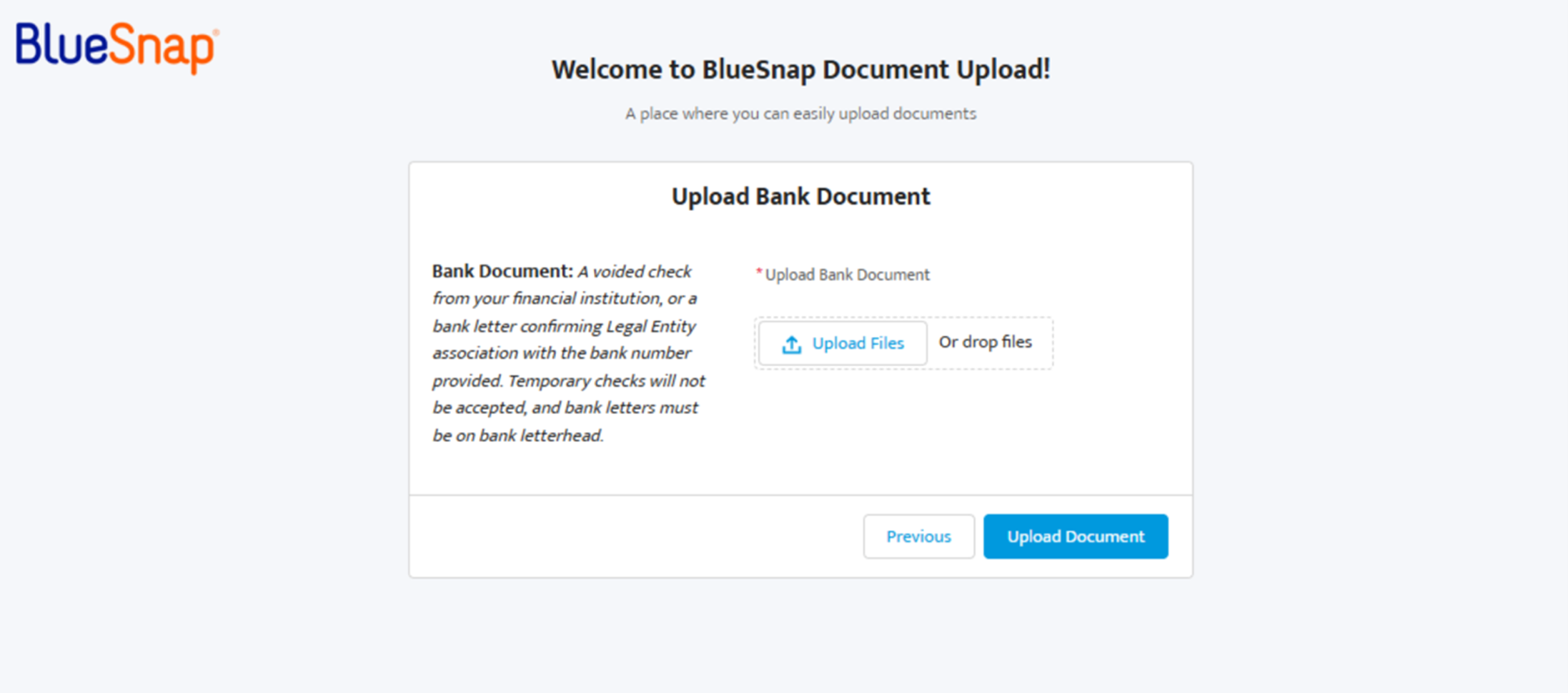
The merchant is responsible for submitting complete and accurate documents by the requested deadline. Your platform does not need to retrieve request details or upload documents in this workflow.
Help Merchants Avoid Delays
To reduce onboarding delays, let merchants know that BlueSnap may request additional documents during underwriting. Encourage merchants to:
-
Watch for document request emails from BlueSnap
-
Review the requested document description carefully
-
Upload clear, complete files
-
Make sure uploaded documents match the information in their application
Track Merchant Status
Even when BlueSnap manages document collection, your platform should continue tracking merchant onboarding status using onboarding webhooks. Your team can also monitor status manually in the Partner Portal.
If BlueSnap requires more information, the merchant may receive another document request.
If the merchant is approved, BlueSnap sends the relevant onboarding webhook so your platform can update the merchant status and continue setup.